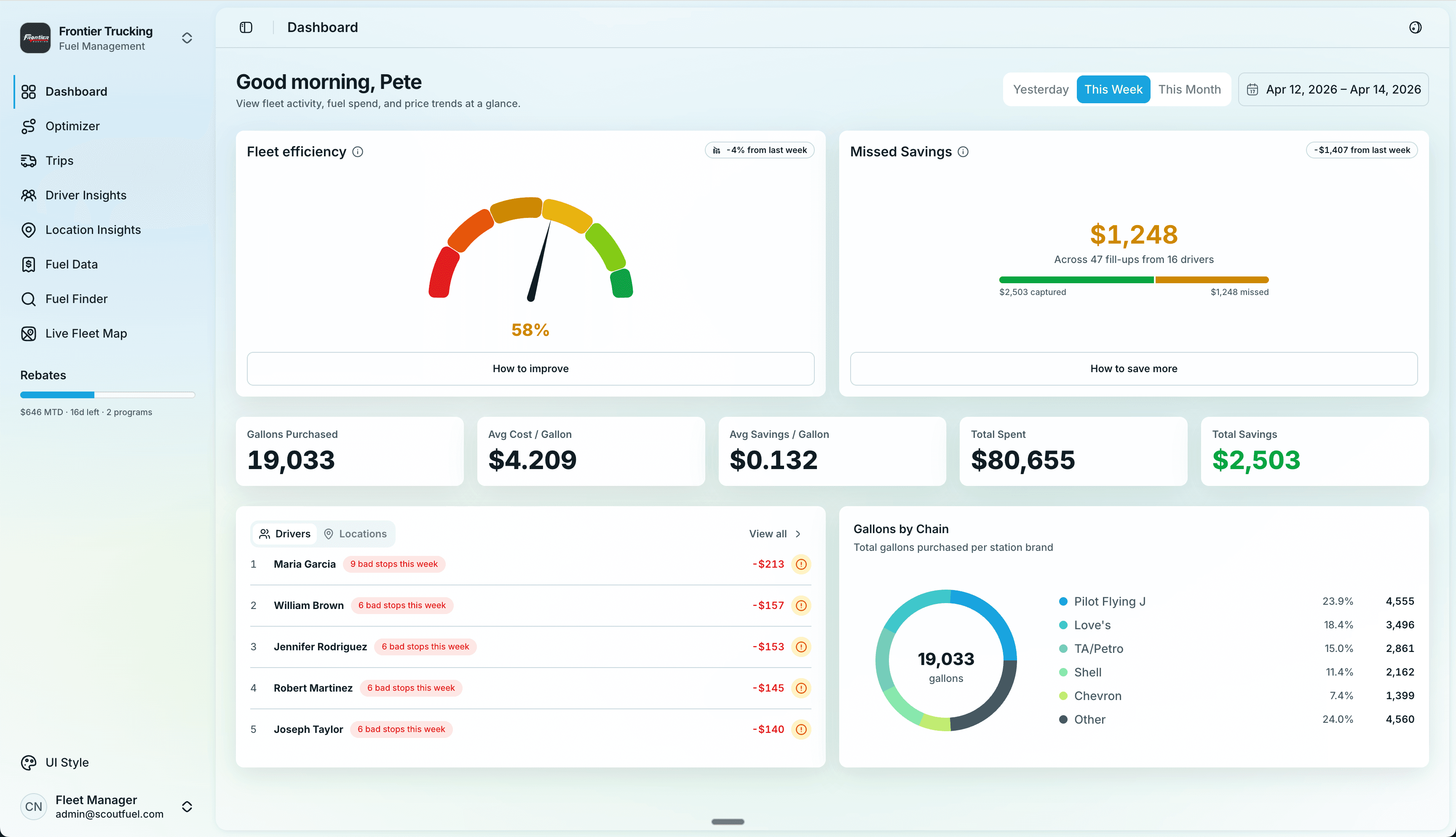
scoutfuel.app/dashboard
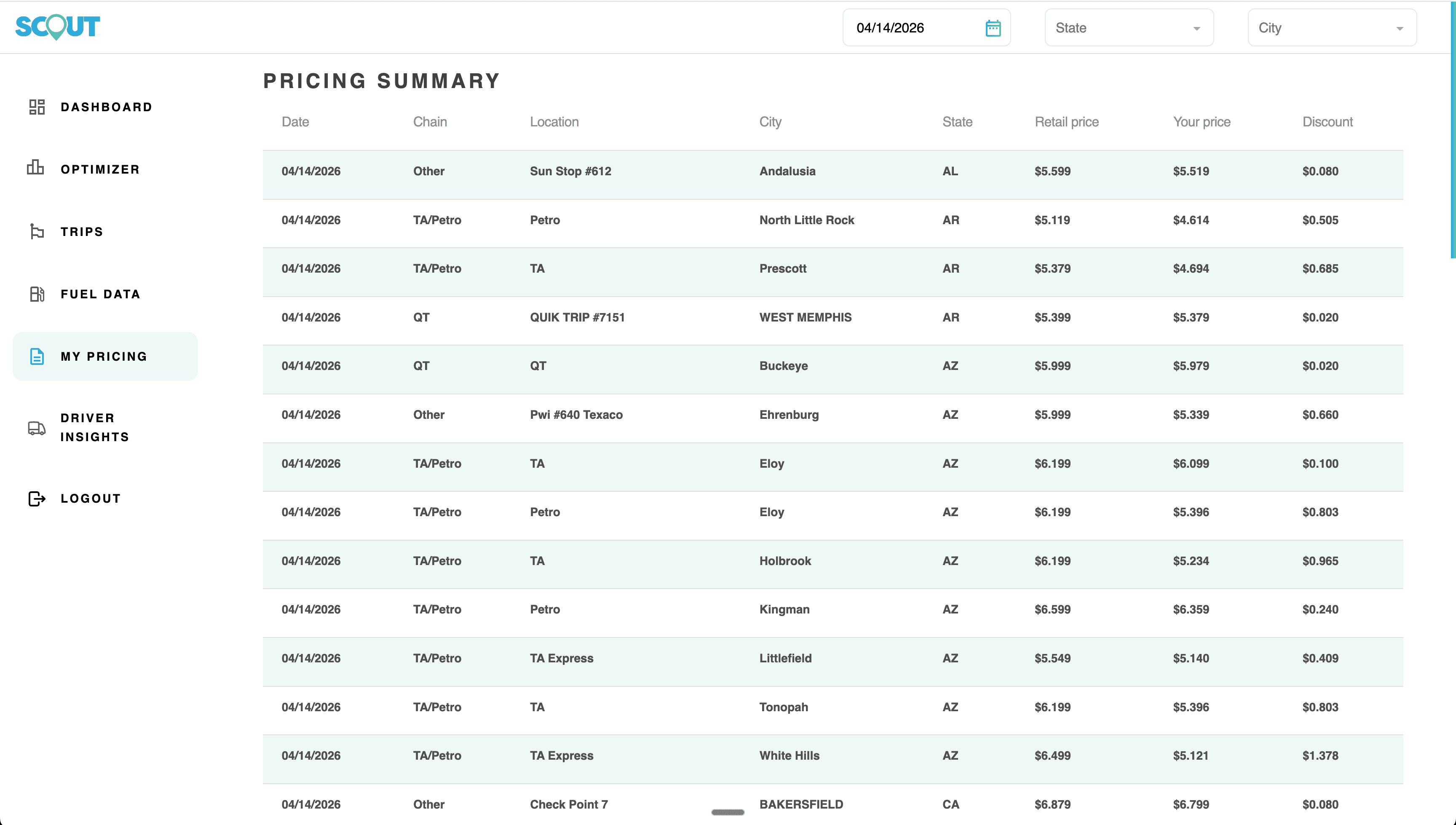
Case Study 02 — Scout Fuel
Scout Fuel is a fuel optimization tool for trucking companies. The founders have built a UI that is not scaling, and though their customers see value in the concept of fuel optimization, the product has yet to gain traction. On paper, it makes sense; in practice, they are not leveraging the tool.
The founders came to me asking for support. They are new to development, not fully sure of what they needed, but wanted to make sure what they were building felt modern and well thought out.
My goal was to create, first, a design foundation from which they could continue to build the product, and second, redesign their customers' experience so it was more than a system of record, but instead a system of intelligence that drove action and ultimately increased customers' fuel savings.
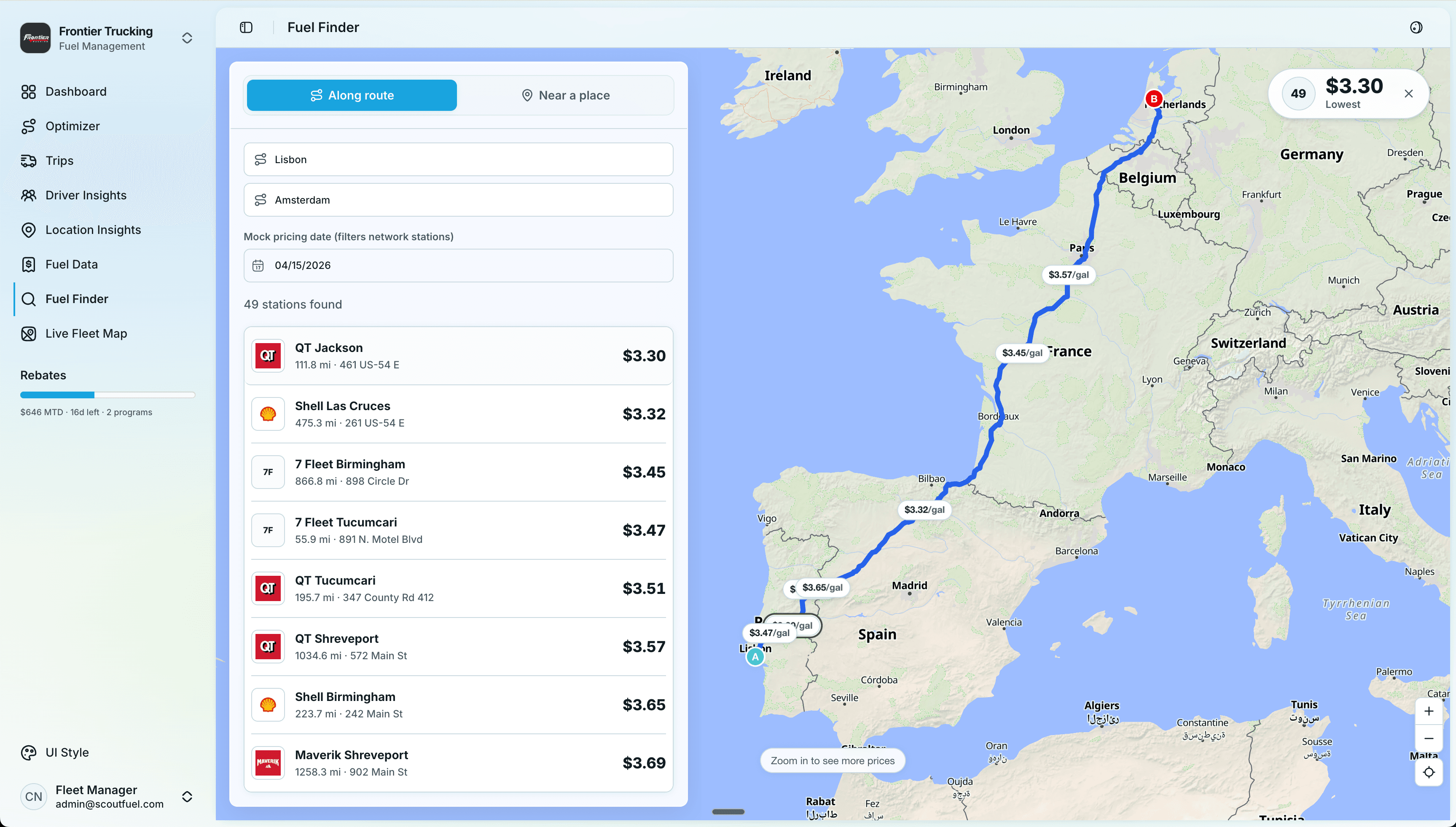
2020 vs today
On the Procore Construction Network (case study 01), I followed a very traditional arc: discovery, then low-fidelity flows that slowly, slowly became high-fidelity mocks. A huge share of calendar time lived in those early bands — sketching, grayscale, Figma hygiene — because that was how we de-risked structure before we invested in polish.
In today's process, I believe design is about steeping and soaking in the problem and the problem space — so that solutioning can feel almost instinctual, with tools like Claude and Cursor handling so much of the generative work.
Design is now more of a subtractive refinement process: we strip away noise and distraction until the simplest path through the problem is clear. Taste and judgment become two of our most important superpowers.
In the past, design was a slow additive process. Today, once you are steeped in the problem and the user, it is often much more subtractive.
I leveraged this in a recent project for Scout Fuel. The results and timeline astounded me.
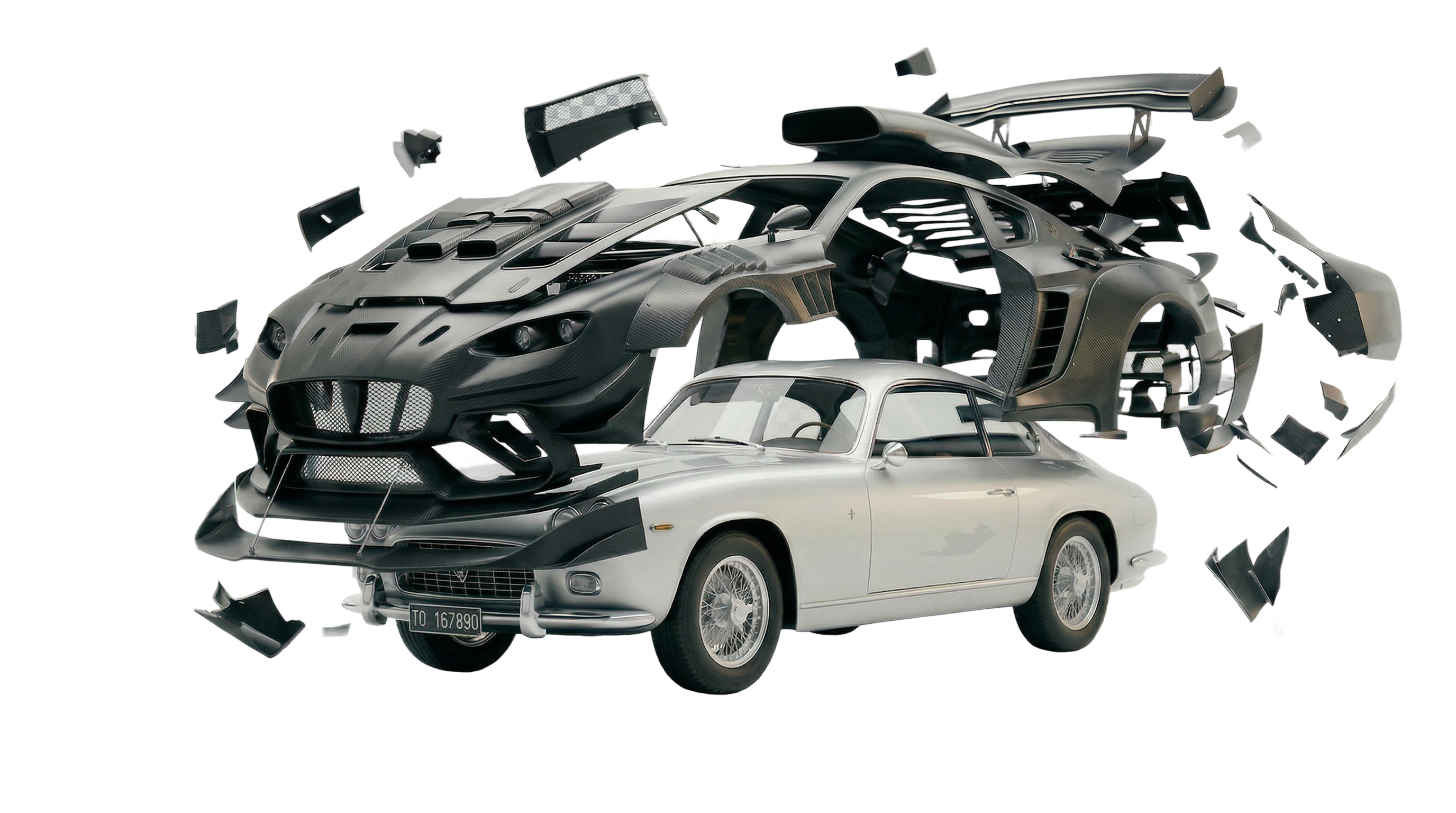
“If you like the design, take a line out. If you still like it, take another line out.”
01 — Discovery
For this project, I knew it was going to be a challenge to get on the phone with customers of Scout Fuel, so I leaned into AI to help get situated in the needs of the users I was designing for.
My prompt was to get Claude to tell me the story of a Fuel Manager at a trucking company to help me understand their jobs-to-be-done and general challenges.
02 — Narrative vision
I then prompted a narrative vision of what an ideal product might unlock for a Fuel Manager. I did this in narrative form, as I have found that stories are often the best way to communicate and to capture the end result.
From here, I set out to design and build a product that was supportive of this vision.
03 - Define
Because my goal was to build a front-end prototype they could continue building on, I jumped straight into code and used the Shadcn component system as the base of the prototype.
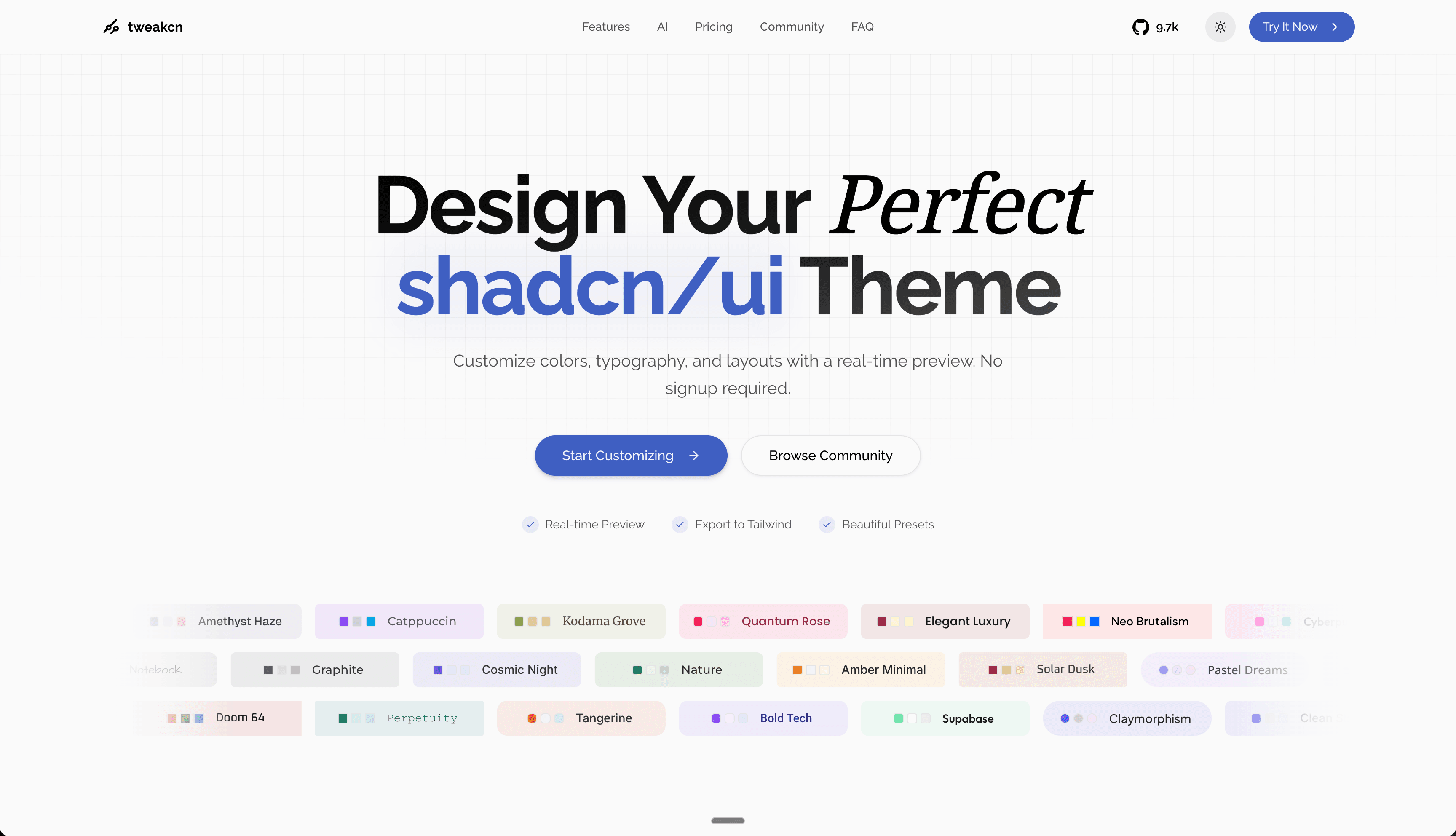
Shadcn gave me modern componentry, and then I used Tweak CN to customize three unique style directions for Scout Fuel to review and provide feedback on. That gave us a solid design foundation to start building out the actual experience.
I also used Tailwind for layout and styling, so the stack stayed squarely in today's React ecosystem: composable UI primitives, utility-first CSS, and a codebase pattern product engineering already knows how to run with.
04 - Ideate
With a clear vision set and the scaffolding of the design foundation in place, I used Claude to shape the first one-shot prompt and get a V1 on the canvas. From there, I moved into Cursor as my primary environment for both development and design, and the work of refining kicked in.
05 - Refine & Build
Once AI put the first version on the canvas, the work shifted to subtraction. The first pass usually has too much: extra panels, extra lines, extra decoration.
I start by moving things around, merging repeated blocks, and removing anything that doesn't carry real signal. It's less about polishing and more about reshaping the structure so the core workflow reads quickly.
That phase feels more like carving than layering. Each pass strips away noise so the product gets closer to the rough shape I have in mind.
At the core, this stage is about becoming incredibly clear about the problems you are solving, and checking whether you are solving them as directly and as simply as possible.
06 - Refine & Build
After the refinement phase removed distractions and clarified the core shape of the product, I started adding new features for all user problems that seemed poorly addressed.
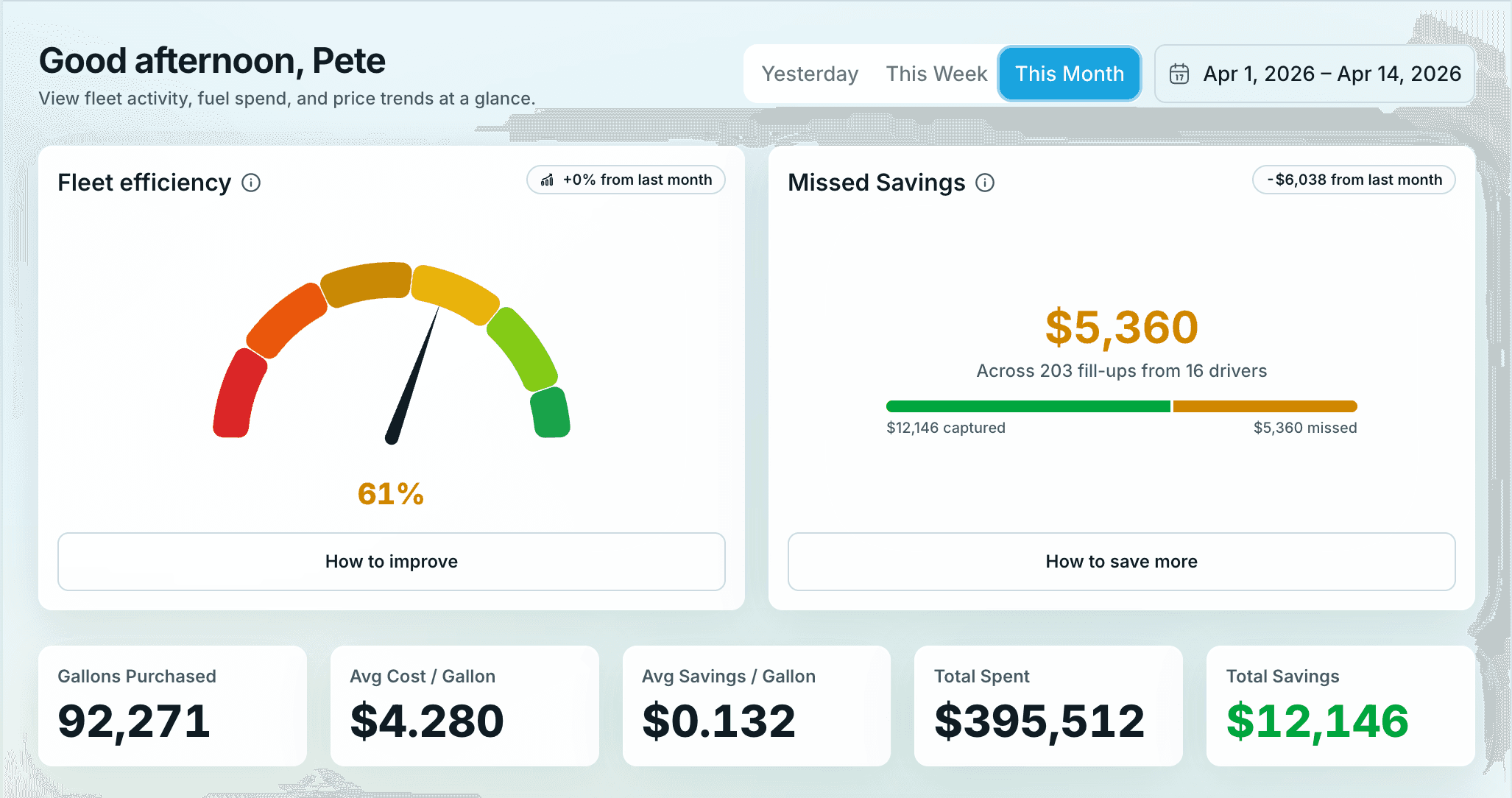
In this case I focused on simplifying the ability to see, at a glance, how your fleet was doing holistically and which of your drivers might need additional coaching.
I introduced a dynamic efficiency score based on each trucking company's purchase history; the score moved up or down with fleet driver execution and became a prominent dashboard signal for quickly identifying which drivers needed attention. The goal was to bring a grounded sense of gamification into the workflow.
07 - Documentaion
I will admit that documentation is not something that really gets me excited and is often an area where I'll drag my feet.
This is changing dramatically as I've started leveraging new workflows into my process.
In the repo I added a Cursor skill that summarizes every pull request and appends to that Notion doc. I told the agent to write in customer-facing language — what value landed for Scout Fuel, not just commit noise — and to capture screenshots of the work so the log stayed visual, not abstract.
After each session building the prototype, I would type “summarize” and let the skill run. It turned into one of the highest-leverage habits of the sprint: a lightweight audit trail that made it much easier to communicate design decisions back to stakeholders without rebuilding context from memory.
Keep going — your next message goes here.
Keep going — your next message goes here.
Keep going — your next message goes here.
Going Forward
The next step is getting this prototype in front of real users and validating it through usability testing and sentiment testing. Does it resonate? Are we surfacing the right signals for the operator? Does this interface actually drive action in the field? The value of a prototype like this is speed: we can put it in people's hands quickly, watch how they use it, see where they break it, and iterate from there. That is the goal of these faster design workflows.
For:

Desktop Experience